Set Up Your System Before the First Day
The best back-to-school organization tip is to set up a few systems before school starts, so you aren't building them while the emails pour in. That means one place for school email, one shared family calendar, one spot at home for papers, and a plan for activity sign-ups and schedules. Each takes about 30 minutes or less.
Within the first week of school, messages arrive from teachers, the front office, the PTA, coaches, and club leaders. Forms come home in backpacks. Practice schedules change. Parents who seem effortlessly organized in September usually did the setup in August. Here's how to do it, step by step.
Step 1: Give School Email One Home
Pick one place where all school and activity email lands. You have two good options.
Option A: a dedicated school address. Create a free Gmail or Outlook address used only for school, something like smithfamily.school@gmail.com. Update it in the school's parent portal and with the front office (many school systems email whatever address is on file there), then give it to teachers, coaches, and the PTA. Share the login with your co-parent if you both need access.
Option B: a label in your main inbox. If you'd rather not run another account, create a School
label or folder with a sublabel for each kid, and add filters for your school district's domain, your teachers, and your coaches. Our Gmail filters guide for parents walks through it, and the free Gmail filter generator writes the filters for you.
Either way, school email stops getting buried between a work thread and a store coupon.
Step 2: Build the Family Calendar Before Dates Trickle In
Many schools post the full-year calendar on their website over the summer. Find it and load the big dates now:
- First and last day of school
- Early dismissal and teacher workdays
- Holidays and breaks
- Parent-teacher conference windows (our conference questions guide helps you prepare)
- Picture day, with a reminder a week ahead
- Testing weeks
Color-code by kid. One calendar color per child lets you see whose week is busy at a glance.
Add recurring events now for practices, lessons, and carpool days. Deleting a recurring event that changes is easier than remembering to add one later. For a deeper setup, see our guide to a shared family calendar.
Step 3: Create a Landing Zone at Home
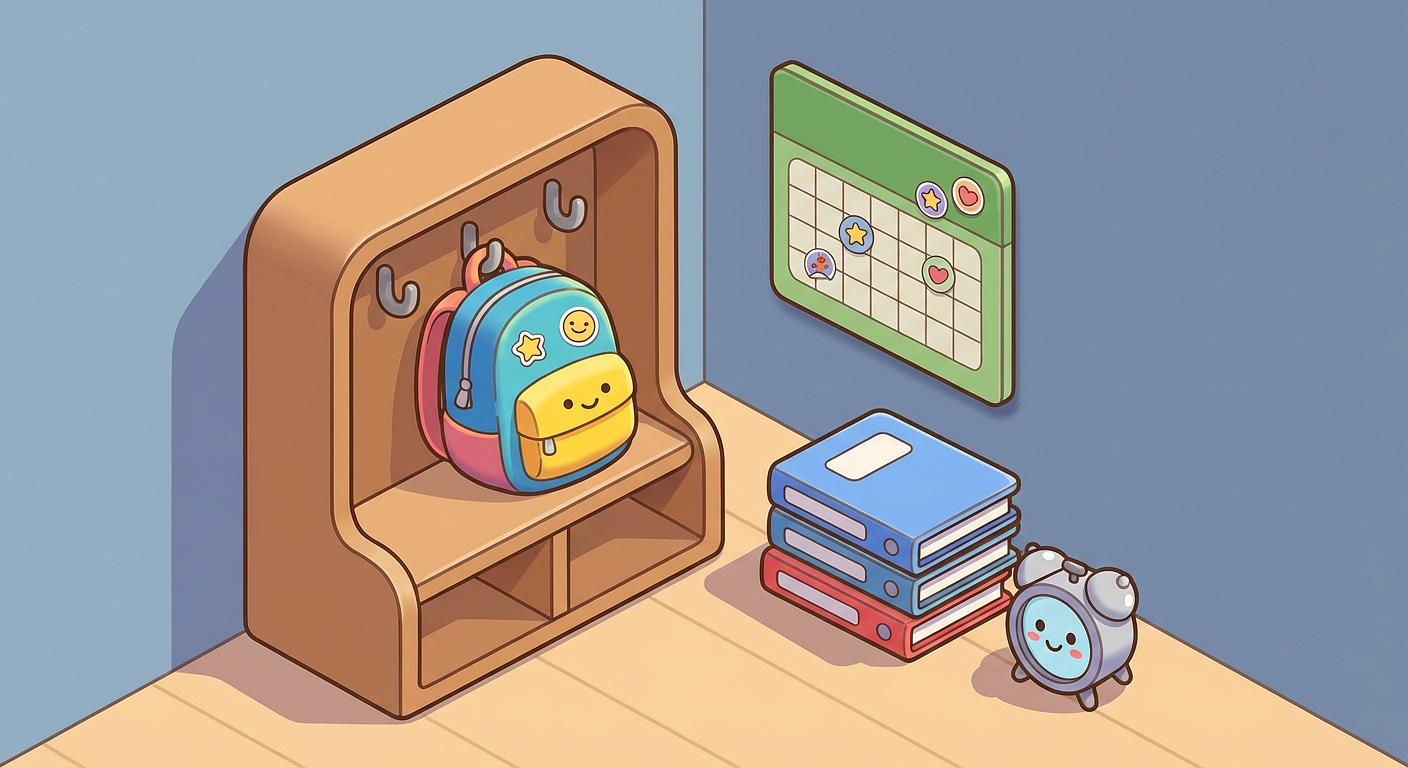
Every organized family has one spot where school stuff lives. A hook by the door with a folder or tray underneath is plenty.
- Backpacks go on the hook when kids walk in.
- Papers to sign go straight into the folder, never onto the counter.
- Signed papers go back in the backpack before bed.
Keep a working pen clipped to the folder. If your school uses digital forms, put the parent portal on your phone's home screen. When a please fill this out
email arrives, do it right then. Later is where forms go to die.
Step 4: Plan Activities Before Sign-Ups Open
Fall sign-ups for sports, music, scouts, and clubs often open in late summer, and the activity calendar is where most families get overloaded. Decide before the registration links start arriving.
Choose with your child, and be honest about logistics
Ask what they want to try. A kid who dislikes running won't learn to love cross country because it looks good on paper. Consider temperament too: a shy kid may do better in a small group or an individual activity before a 20-person team, while a high-energy kid may need something physical.
Then check the logistics before you commit:
- When and where are practices, rehearsals, and meets?
- Who's driving, and can you share a carpool?
- Does it conflict with another child's schedule?
- What's the real time cost, including the drive both ways?
- What does it cost in fees, uniforms, equipment, and travel?
The best activity in the world won't work if getting there causes stress every week.
A reasonable load by age
- Ages 4 to 6: one low-pressure activity at a time. Swimming, beginner dance, recreational soccer, art, gymnastics.
- Ages 7 to 10: up to two activities. Team sports, martial arts, music lessons, scouts, coding.
- Ages 11 to 13: one or two areas they care about, often where their friends are. School teams, band or theater, robotics, debate, service projects.
- Ages 14 and up: depth over breadth. A serious commitment to one or two activities, maybe a part-time job.
Leave room for free time. A simple rule: keep at least two weekday afternoons and one weekend day unscheduled.
Put every activity on the calendar right away
When you register, add the season's practices and games as recurring events, with location and who's driving. Add sign-up deadlines, uniform orders, picture day, and end-of-season events the moment you see them.
Plan for the activity email load
Each activity brings its own stream of messages. Coaches, league coordinators, studio directors, and troop leaders all communicate differently: some by email, some through a team app, some by paper flyer in the bottom of a backpack. A single travel team can send several emails a week during the season.
- Give every coach and club leader the same school email address from Step 1.
- Create a label per activity, and flag anything that needs action: payments, forms, volunteer slots, snack sign-ups.
- Read them on a set schedule instead of reacting to every notification.
More on this in our post on sports team email chaos.
Watch for overscheduling
Scale back if your child is tired or irritable most days, homework is getting rushed or skipped, they dread an activity they used to enjoy, or family dinners have disappeared. Dropping an activity is a reasonable choice. If they committed to a season, finishing the season and then stopping teaches follow-through without locking them in for a year.
Step 5: Let a Digest Read the Email for You
Folders and filters sort your school email, but you still have to read all of it to find the three things that matter this week.
This is where EmailSnapshot helps. You forward the school and activity emails you choose to your snapshot's private address, or set up an auto-forwarding rule once. AI reads each message and pulls out dates, deadlines, action items, things to bring, links, and schedule changes, then sends one short digest daily or weekly at the time you pick.
Setup takes a few minutes:
- Create a school inbox (a
snapshot
) and choose daily or weekly delivery and the time. - Forward school email to its private address, or add a forwarding rule. A single snapshot can collect mail from the school, the PTA, and every coach.
- Add events to your calendar. Every digest includes calendar files, and Family and Pro plans include a calendar subscription that keeps Google, Apple, or Outlook in sync. See how calendar sync works.
- Share the digest with your co-parent, a grandparent, or the sitter so everyone works from the same plan.
Urgent alerts flag time-sensitive changes, like a cancelled practice, between digests. If your family reads in another language, digests can be written in Spanish, French, German, Portuguese, Chinese, Korean, and several other languages, whatever language the school wrote in.
Step 6: Stock Backups Before You Need Them
Nothing derails a weeknight like finding out at 8 p.m. that the glue sticks are gone and the project is due tomorrow. Buy these now:
- Supplies: extra pencils, erasers, glue sticks, index cards, markers, two or three sheets of poster board, printer paper, and ink.
- Forms kit: a working pen at the landing zone, envelopes and stamps if your school still uses paper, and a way to pay activity fees.
- Morning savers: shelf-stable lunch snacks, a stash of clean socks, hair ties, a spare water bottle.
Step 7: Have the What Comes Home
Talk
Before the first day, explain the system to your kids in a sentence or two: Backpack goes on the hook. Papers I need to see go in the folder. If something needs signing, tell me before bedtime.
Repeat it for the first two weeks until it sticks. Middle and high schoolers can do more: check their own school portal, tell you about forms and deadlines, and add their own activities to the shared calendar. Fewer surprise requests for $20 and a white shirt by tomorrow.
For the daily rhythm once school starts, see our after school routine guide, which also covers mornings.
Step 8: Run a 10-Minute Check After Week One
The first week shows you what you missed. Spend ten minutes reviewing:
- Email: Is everything arriving? Did a coach or club use a different address? Redirect it.
- Calendar: Are times and locations right? Did anything change from the published schedule?
- Landing zone: Is it used, or are papers still landing on the counter?
- Activities: Is the week manageable, or does something need to go?
Most systems fail because nobody adjusted them after the first week.
Back-to-School Organization Checklist
Before school starts
- [ ] Choose one home for school email (dedicated address or label)
- [ ] Load the school-year calendar and color-code by kid
- [ ] Set up the landing zone and forms kit
- [ ] Decide on activities and note sign-up deadlines
- [ ] Add practices, lessons, and carpools as recurring events
- [ ] Set up a digest and calendar sync
- [ ] Stock backup supplies
- [ ] Put the parent portal on your phone's home screen
First week
- [ ] Give your school email to every teacher, coach, and club leader
- [ ] Have the
what comes home
talk - [ ] Add any new schedules as they arrive
After week one
- [ ] Run the 10-minute systems check
- [ ] Redirect stray emails
- [ ] Trim the activity schedule if it's too much
Start With Steps 1 and 2
You don't need to do all of this at once. One home for school email and one shared calendar cover most of the chaos. Add the rest as you have time, and see our guide to managing school emails for more.
If school and activity email is the part that wears you down, start a free 7-day EmailSnapshot trial. No credit card needed, and you only forward the emails you choose.