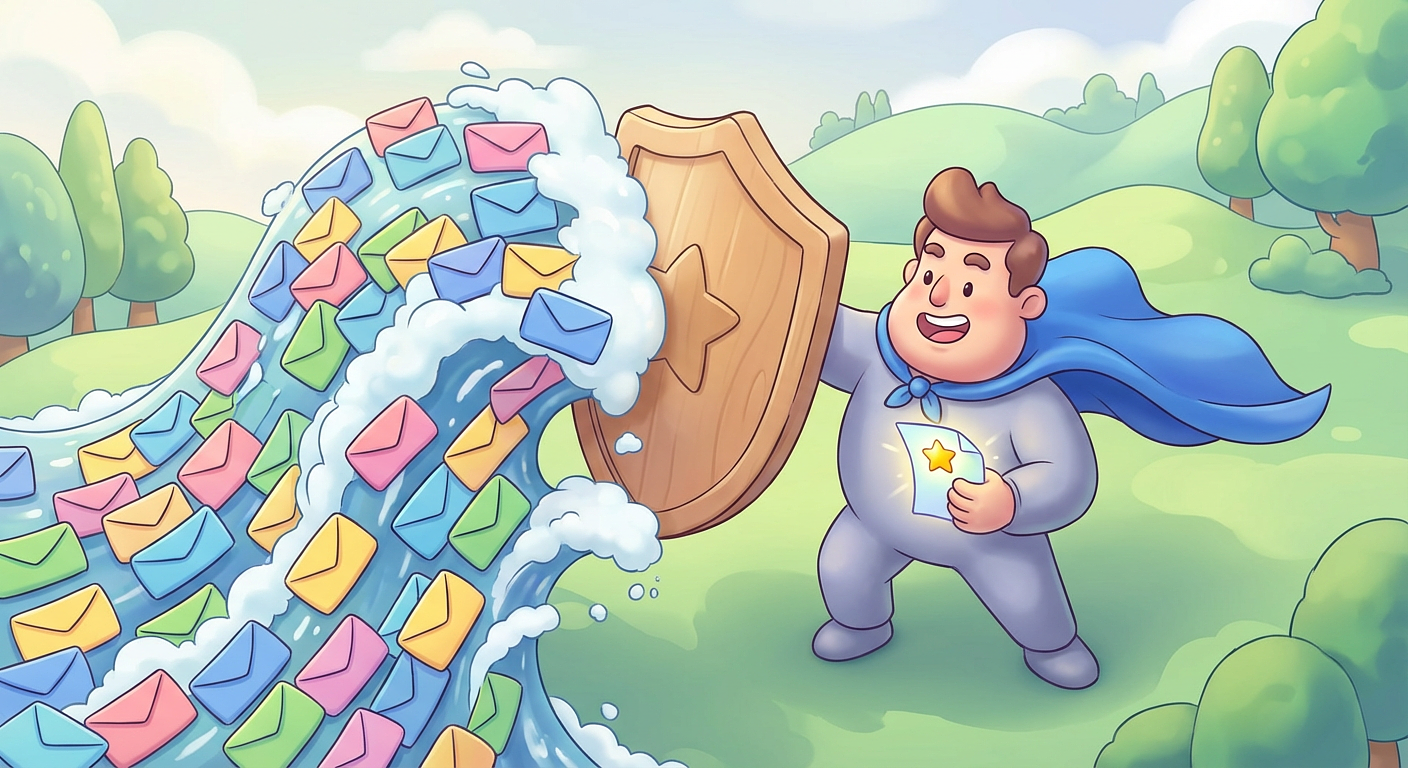
If you feel like you have too many emails and can barely keep up, you're not imagining things. The average person receives over 100 emails a day. For parents juggling work, family, and school communications, that number can feel even higher.
The problem isn't just volume. It's that every email feels like it might be important. A field trip permission slip buried between promotional junk and work threads. A schedule change lost in a sea of reply-all chains. Missing one email from school can mean your kid shows up on the wrong day or misses picture day entirely.
This guide walks you through practical ways to cut through the noise and take control of your inbox -- without spending hours organizing it.
Why You Have Too Many Emails in the First Place
Before you can fix the problem, it helps to understand where all these emails are coming from.
Most inbox overload falls into a few categories:
- Promotional emails from stores, apps, and services you signed up for (or didn't)
- Newsletters you subscribed to years ago and never read
- School communications from teachers, principals, PTA groups, and activity coordinators
- Work emails that could have been a Slack message
- Reply-all chains that stopped being relevant three messages in
The tricky part for parents is that school emails genuinely matter. You can't just mass-delete them the way you might with marketing emails. That's what makes inbox management harder when you have kids in school.
Start with a Quick Inbox Audit
Spend 10 minutes scrolling through your inbox. You don't need to read anything -- just notice patterns. Ask yourself:
- Which senders show up the most?
- How many emails are truly important vs. noise?
- Are you subscribed to lists you never open?
This quick audit gives you a clear picture of where your email clutter is coming from. Most people find that 70-80% of their inbox is stuff they don't need.
Unsubscribe from Everything You Don't Read
This is the single most effective thing you can do when you have too many emails. Every newsletter, store promotion, or app notification you unsubscribe from is one fewer email every day (or week).
Here's how to do it fast:
- Use the unsubscribe link at the bottom of marketing emails. It's legally required to be there.
- Search your inbox for
unsubscribe
to find all subscription emails at once. - Be ruthless. If you haven't opened a newsletter in three months, unsubscribe. You can always re-subscribe later.
This alone can cut your daily email volume by 30-50%.
Set Up Filters and Labels for School Emails
School emails deserve special treatment because they're time-sensitive and easy to miss. Set up a filter or rule in your email client so that messages from your school's domain (like @schoolname.edu) get automatically labeled or sorted into a dedicated folder.
In Gmail, you can do this in a few clicks:
- Open an email from the school
- Click the three dots menu and select
Filter messages like these
- Add a label like
School
and optionally skip the inbox
This way, school emails are always grouped together and easy to find. No more scrolling through your entire inbox to find next week's lunch menu.
If you're managing emails from multiple schools or dealing with school email chaos, a dedicated system becomes even more important. Tools like EmailSnapshot can help by automatically pulling school emails into one organized view, so nothing gets buried.
Create a Simple Email Routine
Having too many emails isn't just about volume -- it's about not having a system for processing them. A simple routine can make a big difference.
Try this:
- Morning (5 minutes): Scan for anything urgent. Reply to quick items. Star or flag things that need more time.
- Midday (5 minutes): Check for school or kid-related updates. Handle anything time-sensitive.
- Evening (10 minutes): Process remaining emails. Archive what's done. Delete what's not needed.
The key is batching. Checking email constantly throughout the day fragments your attention and makes the pile feel bigger than it is. Three focused check-ins work better than 30 quick glances.
Use the Two-Minute Rule
If an email takes less than two minutes to handle, deal with it right now. Reply, delete, or archive it. Don't leave it sitting in your inbox as a to-do
item.
This rule, borrowed from productivity expert David Allen, prevents emails from piling up. Most emails are actually quick to process -- the problem is that we skip them and let them accumulate.
For emails that take longer than two minutes, flag them and schedule time to handle them during your evening email batch.
Separate Personal and School Email When Possible
If your inbox is a mix of personal stuff, work emails, and school communications, consider separating them. You don't necessarily need new email accounts -- you just need clear boundaries.
Some options:
- Use filters to auto-sort school emails into their own folder (as described above)
- Forward school emails to a dedicated email address you check specifically for school stuff
- Use a tool designed for it. EmailSnapshot lets you consolidate school emails from multiple sources into a single, organized feed
This separation makes it much easier to find what you need when you need it. You can also check out our guide to managing school emails for a deeper breakdown of strategies that work for families.
Stop Using Your Inbox as a To-Do List
Your inbox is a communication tool, not a task manager. If you're leaving emails unread as reminders, your inbox will always feel overwhelming.
Instead:
- Move action items to a real to-do list or calendar
- Archive emails once you've read them and taken action
- Use stars or flags only for things you genuinely need to come back to this week
A clean inbox isn't about having zero emails. It's about knowing that everything in there is something you still need to deal with -- not a backlog of things you already handled or don't need.
Deal with Too Many Emails from School Specifically
School email overload is its own beast. Between the classroom teacher, the principal, the PTA, after-school programs, and the lunch system, you might get 5-10 emails from school alone on a busy day.
A few targeted strategies:
- Ask the school if they offer a weekly digest option instead of daily emails
- Identify the must-read senders (usually the classroom teacher and front office) and filter everything else to a secondary folder
- Check school emails at a set time rather than reacting to each one as it arrives
- Share the load with a partner or co-parent -- one person can handle after-school logistics while the other tracks academic updates
For more tips on avoiding common pitfalls, read our article on mistakes parents make with school communications.
What Inbox Zero
Actually Means
Inbox zero doesn't mean having zero emails in your inbox at all times. That's not realistic for most people, especially parents.
What it really means is that everything in your inbox has been processed. You've decided what to do with each email: reply, archive, delete, or defer. Nothing is just sitting there unread and unaddressed.
Even getting to inbox twenty
is a win. The goal is reducing decision fatigue, not perfection.
Conclusion
Having too many emails is one of those problems that feels permanent until you actually tackle it. The fix isn't complicated -- it's just a series of small, practical steps. Unsubscribe from the noise, set up filters for the important stuff, create a simple routine, and stop treating your inbox like a to-do list.
You won't get to zero overnight, and that's fine. But even an hour of cleanup today can save you minutes every single day going forward. And when it comes to school emails specifically, having a system in place means you'll never miss the one that actually matters.